
How to claim your business in ChatGPT (and what the data actually tells you)

OpenAI launched Businesses in ChatGPT on the 10th of November 2026. Think of it as a very early Google Business Profile for ChatGPT. You claim your business, confirm the details ChatGPT has about you, and get basic data on how often you show up.
If you sell products, you can upload a product feed. Some businesses can also build a Business Agent, which is a chatbot that answers customer questions about you inside ChatGPT.
At launch, it was mostly US-only, but on the 19th of November OpenAI opened it up to ecommerce and online service businesses outside the US, which is when UK businesses like ours could get in. Local shops and restaurants can still only claim an existing US listing, so if that's you, you’ll have to wait until they roll that out more broadly.
Here’s how you can claim your profile.
Before you start
What you'll need
- A ChatGPT account. A free one is fine.
- Access to your domain's DNS, or someone who can add a TXT record for you.
- A government-issued ID for whoever is doing the claiming.
The ID check ties the profile to a person, and that person becomes the admin. So make sure it's someone senior who's going to be around for a while. I'd expect a proper way to transfer ownership to appear at some point, but I can't see that in the account just yet.
Which brings me to a slightly odd thing for an agency to say: don't get your agency to do this for you. Do it yourself. It's your business, it's your ID, and there's nothing in it yet that is much use for an agency anyway - at least not until there's more data available.
OpenAI also says you can't delete, unpublish or hide a profile once it's published, so check the details properly before you hit go.
How to claim your business in ChatGPT, step by step
The hardest part of claiming Aira's profile in ChatGPT was actually finding where to do it.
I was logged in, I knew the feature existed, and I still couldn't see it. In the end, I asked about its Business Hub, and it sent me a little card in the chat that opened it. Which is either very modern or slightly ridiculous, depending on how you look at it.
Once I was in, the setup itself was pretty painless. So here's how to do it, what you get once you're through, and whether it's actually worth your time. (Short version: yes, but not for the reasons you'd hope.)
1. Open Business Hub
Head to chatgpt.com/business-hub and log in. It's also in the ChatGPT sidebar (allegedly), but if you can't find it, do what I did and ask ChatGPT about Business Hub in a chat.
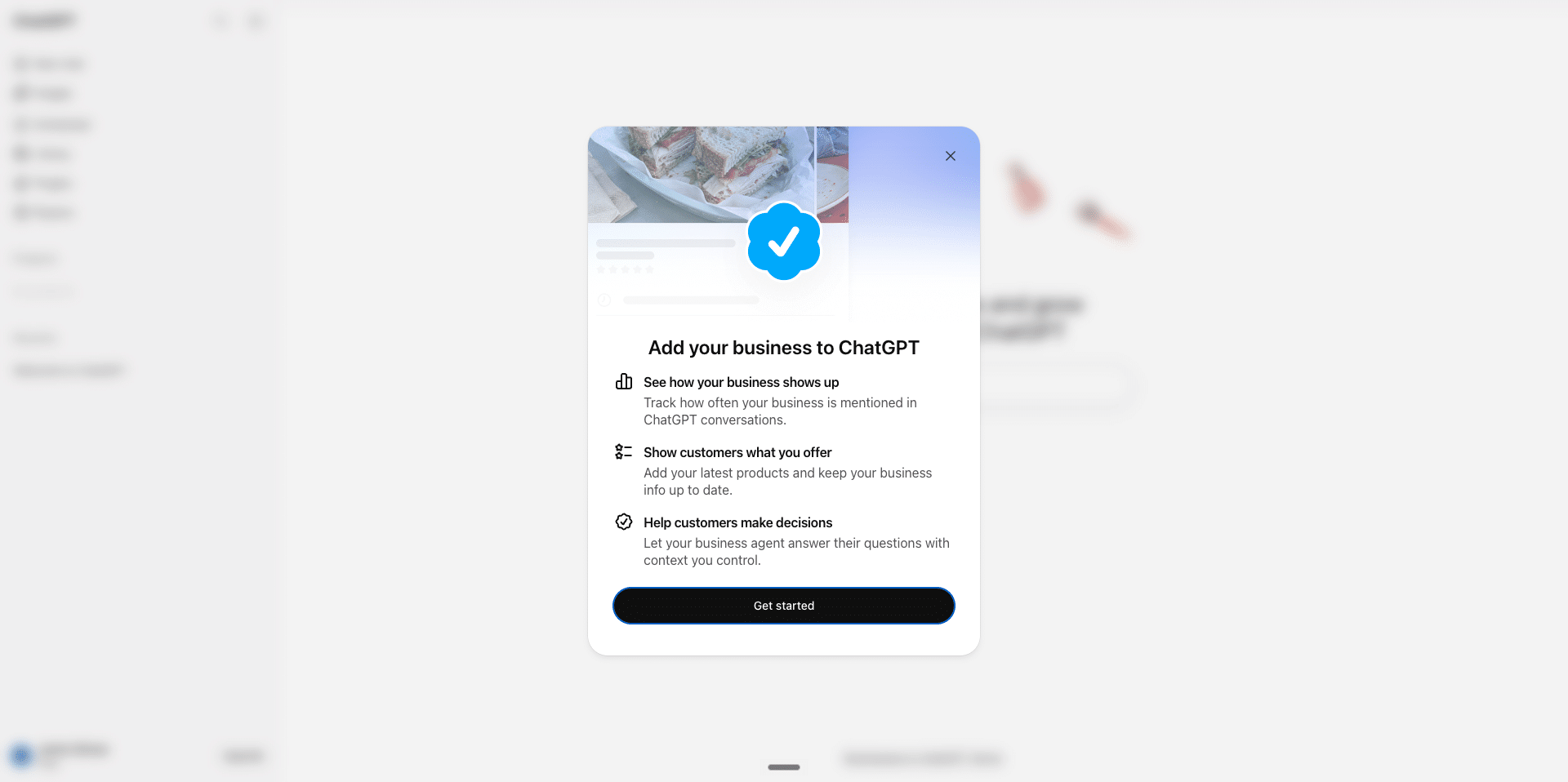
You'll get an "Add your business to ChatGPT" panel. Click Get started.
2. Search for your business
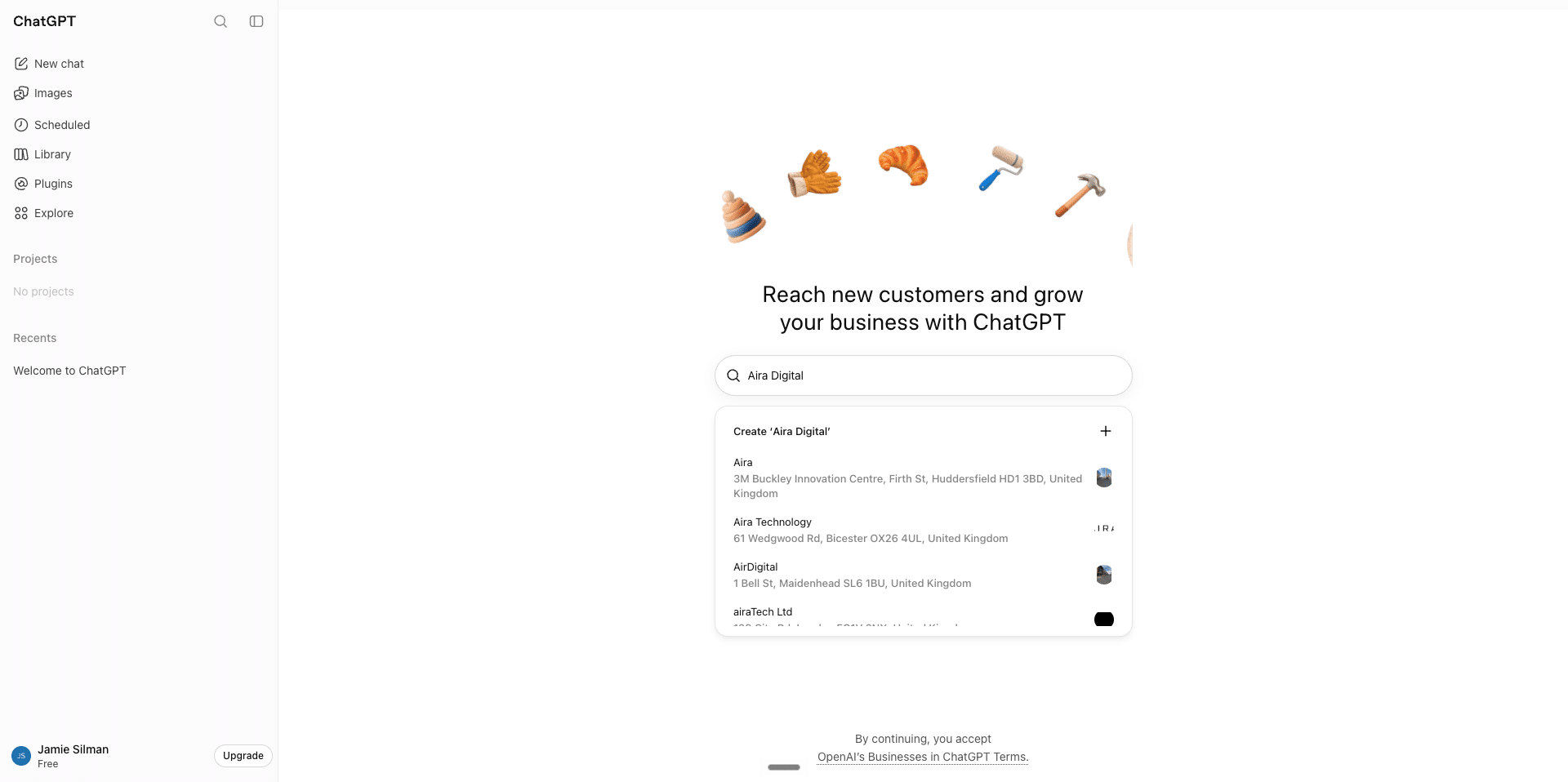
Type in your business name. ChatGPT will show you businesses it already knows about with similar names. If yours is there, select it and claim it. If not, choose Create with your business name.
Make sure you check the addresses properly. When I searched for Aira Digital, I got an Aira in Huddersfield, an Aira Technology in Bicester, an AirDigital in Maidenhead and an airaTech Ltd.
Worth knowing too - by continuing from here, you're accepting OpenAI's Businesses in ChatGPT Terms.
3. Tell it how customers reach you
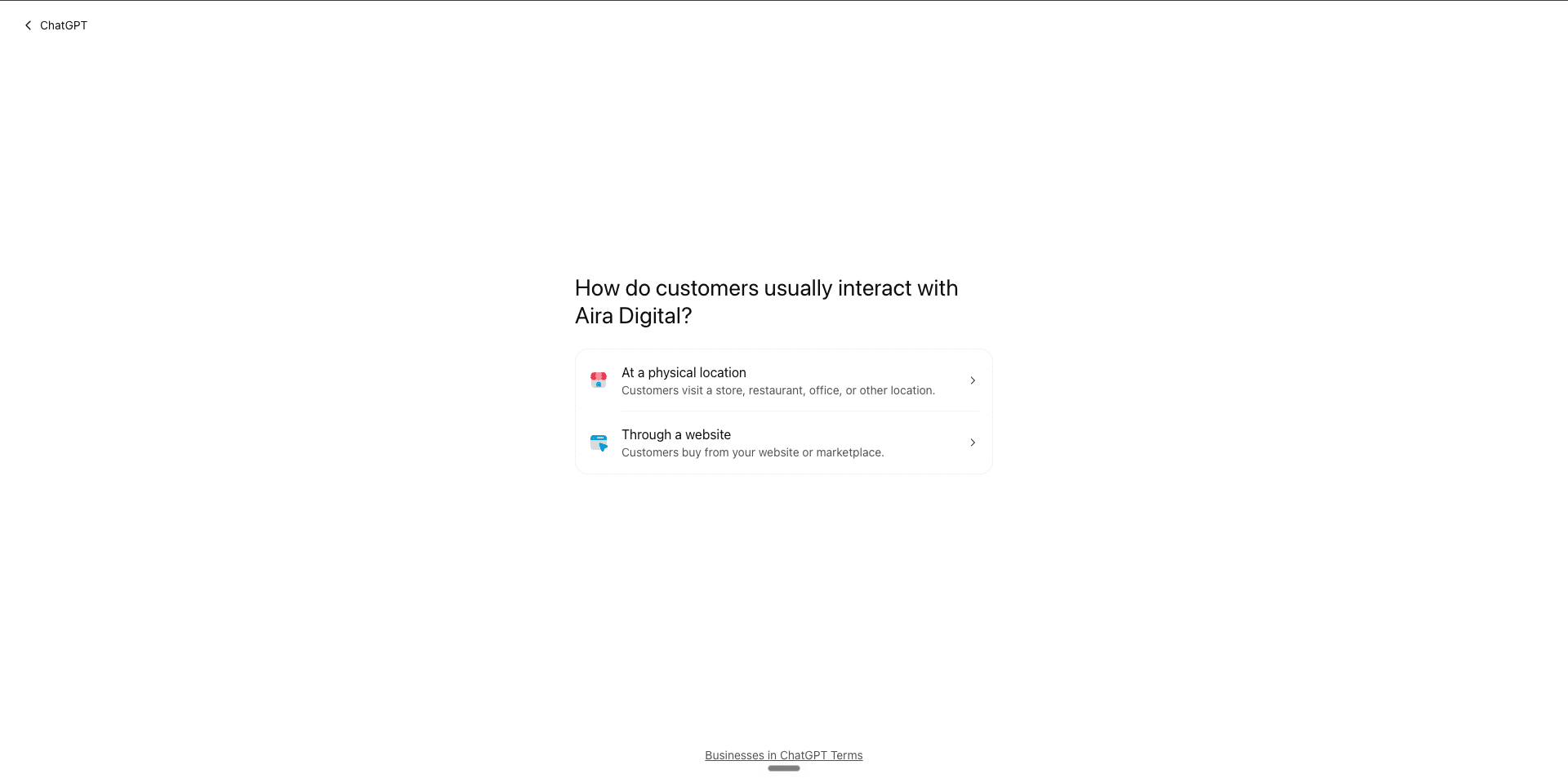
You'll be asked whether customers come to a physical location or buy through a website. Most B2B and service businesses will want Through a website.
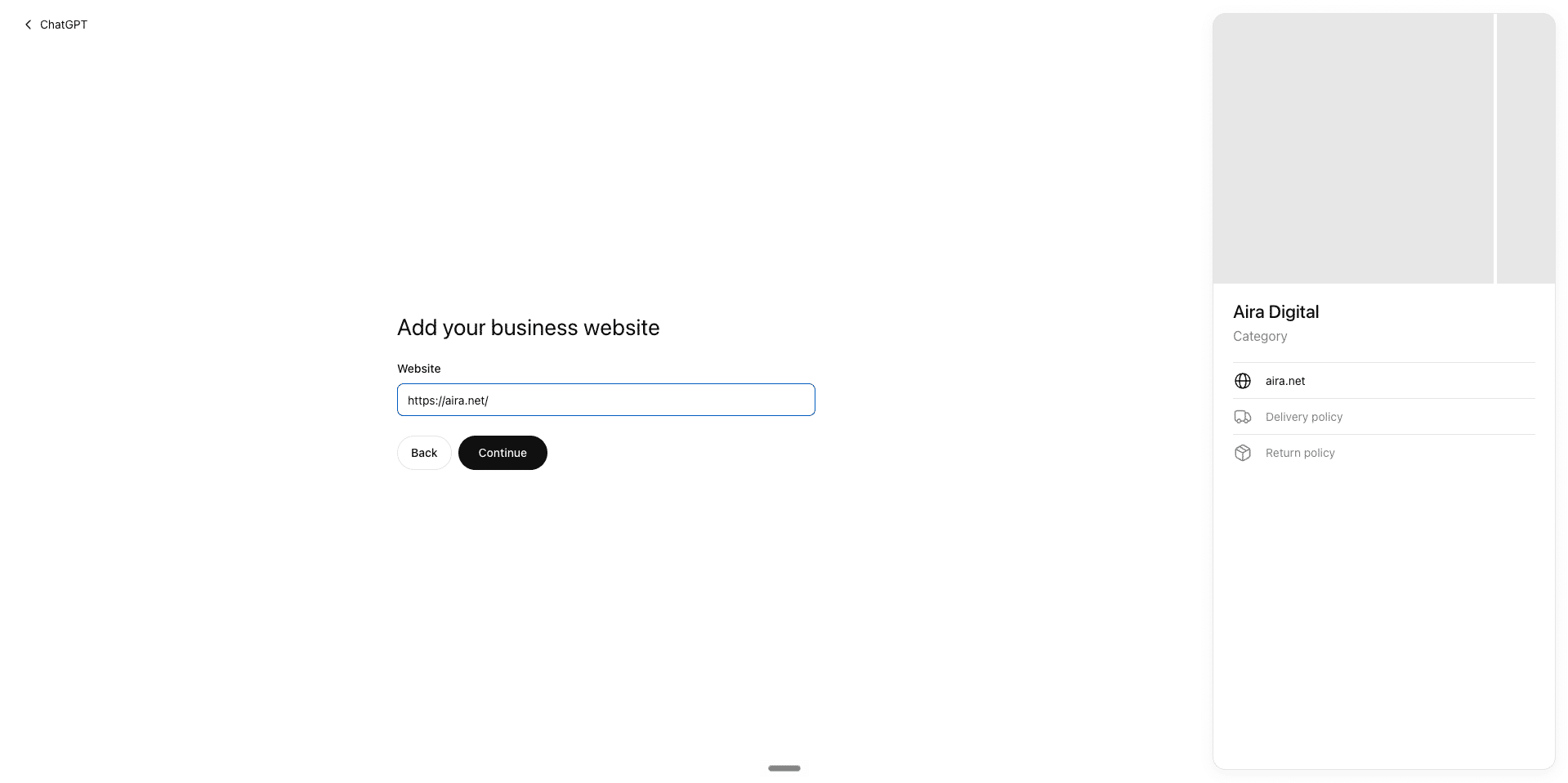
4. Add your website
Pop your main website address in and click Continue. You'll see a preview of your profile being built on the right as you go.
5. Verify your domain
This is the bit that needs your DNS. ChatGPT gives you a TXT record to add:
| Field | What to enter |
|---|---|
| Type | TXT |
| Name or host | openai-business-profile |
| Value or content | The unique code on screen, starting openai-business-profile= |
Copy both values exactly from your own screen. Add the record with your DNS provider, give it a bit of time to go live, then click Verify domain.
The code has an expiry date shown under it. Ours was valid for a week, so don't let it sit in someone's inbox. Depending on your listing, you might also be offered verification by phone, business email or Shopify instead.

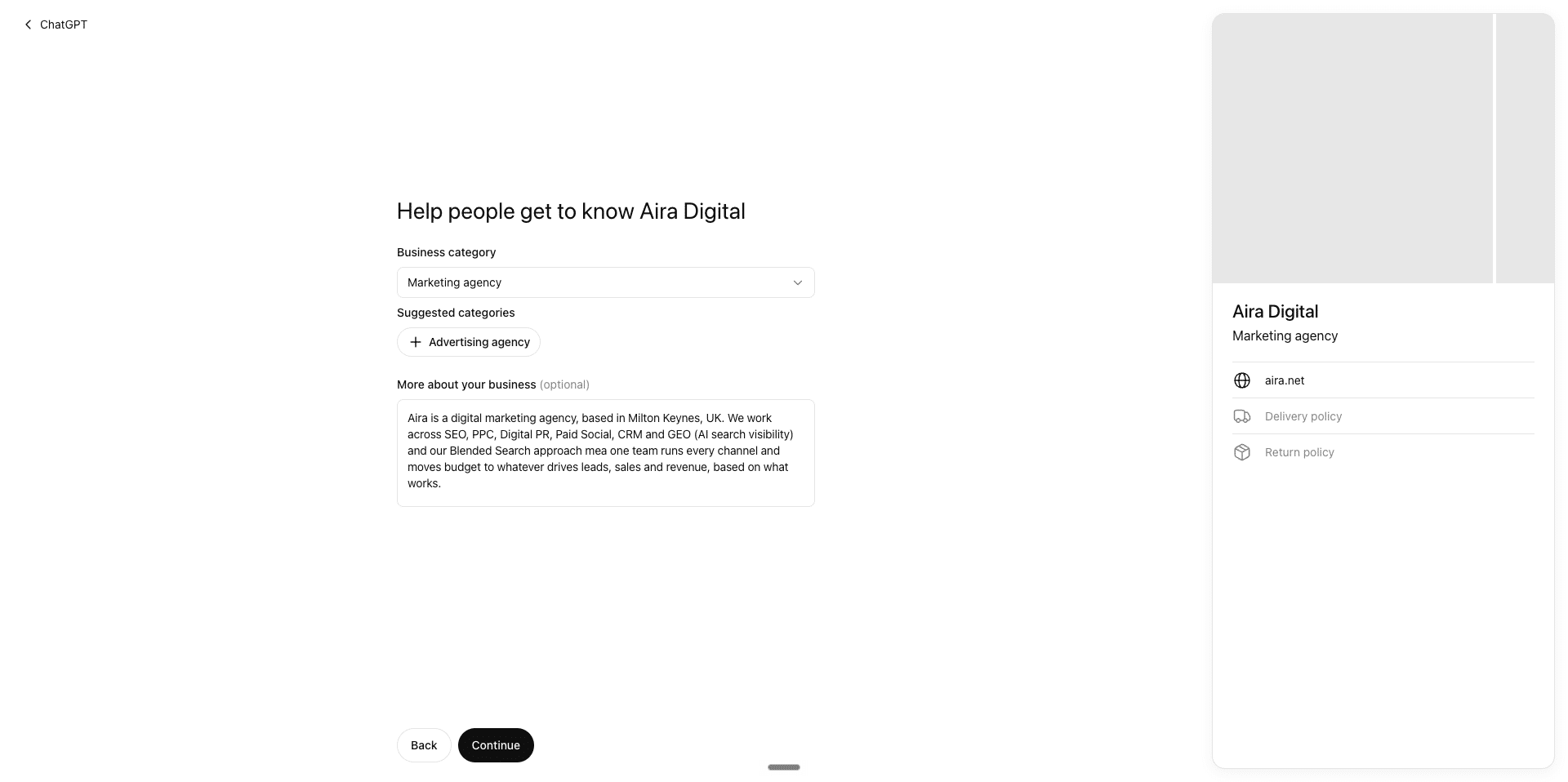
6. Add your category and description
Pick the category that fits best. It might suggest a second one, which you can add.
The description is optional, but fill it in. A few plain sentences on what you do, who you do it for, and where. This is ChatGPT's understanding of your business in your own words, and there’s a character limit, so don't waste it on marketing fluff.
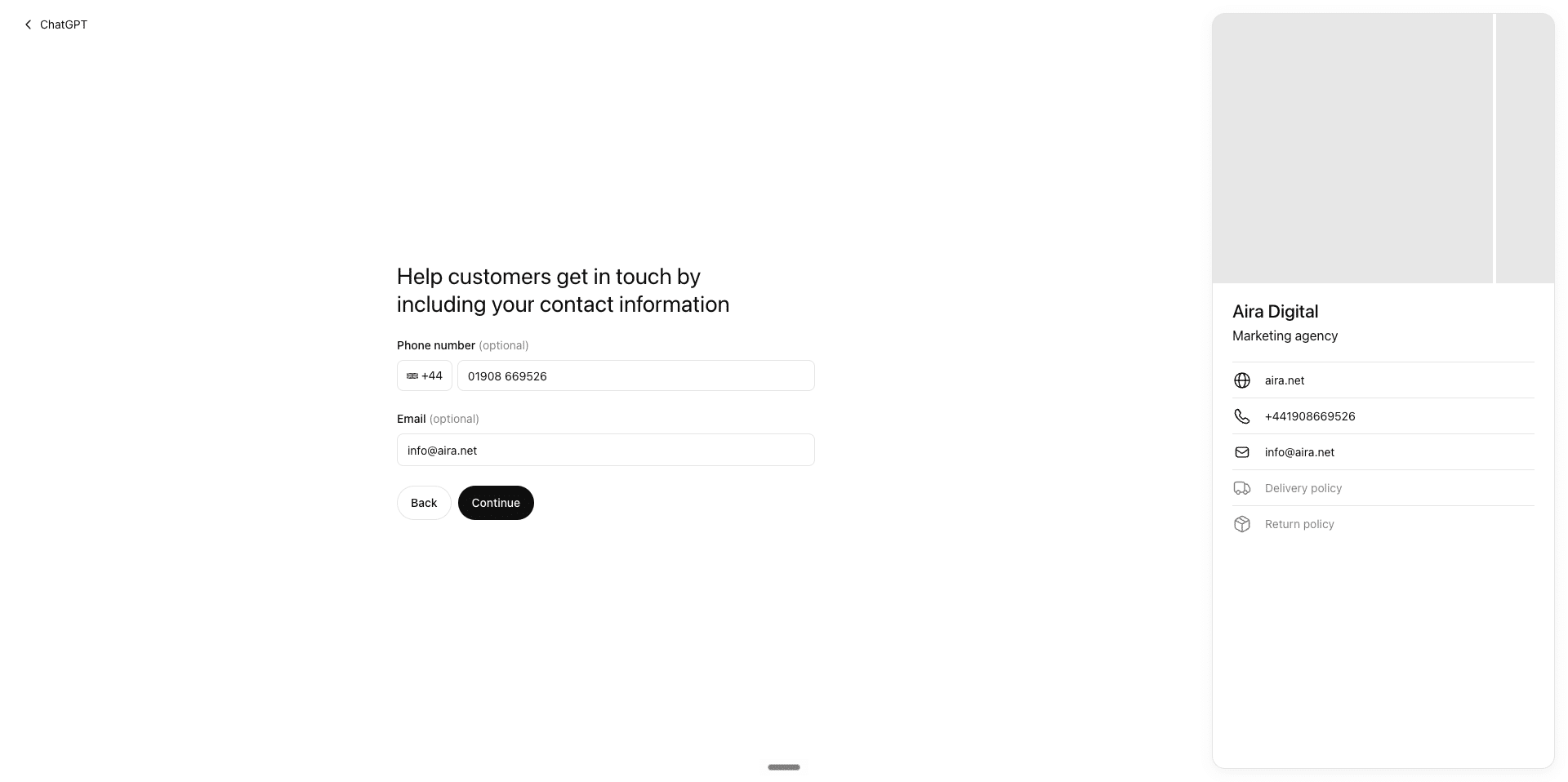
7. Add your contact details
Phone and email are both optional. I'd use a general number and inbox rather than a named person's. If in doubt, use the same ones listed on your Google Business Profile.
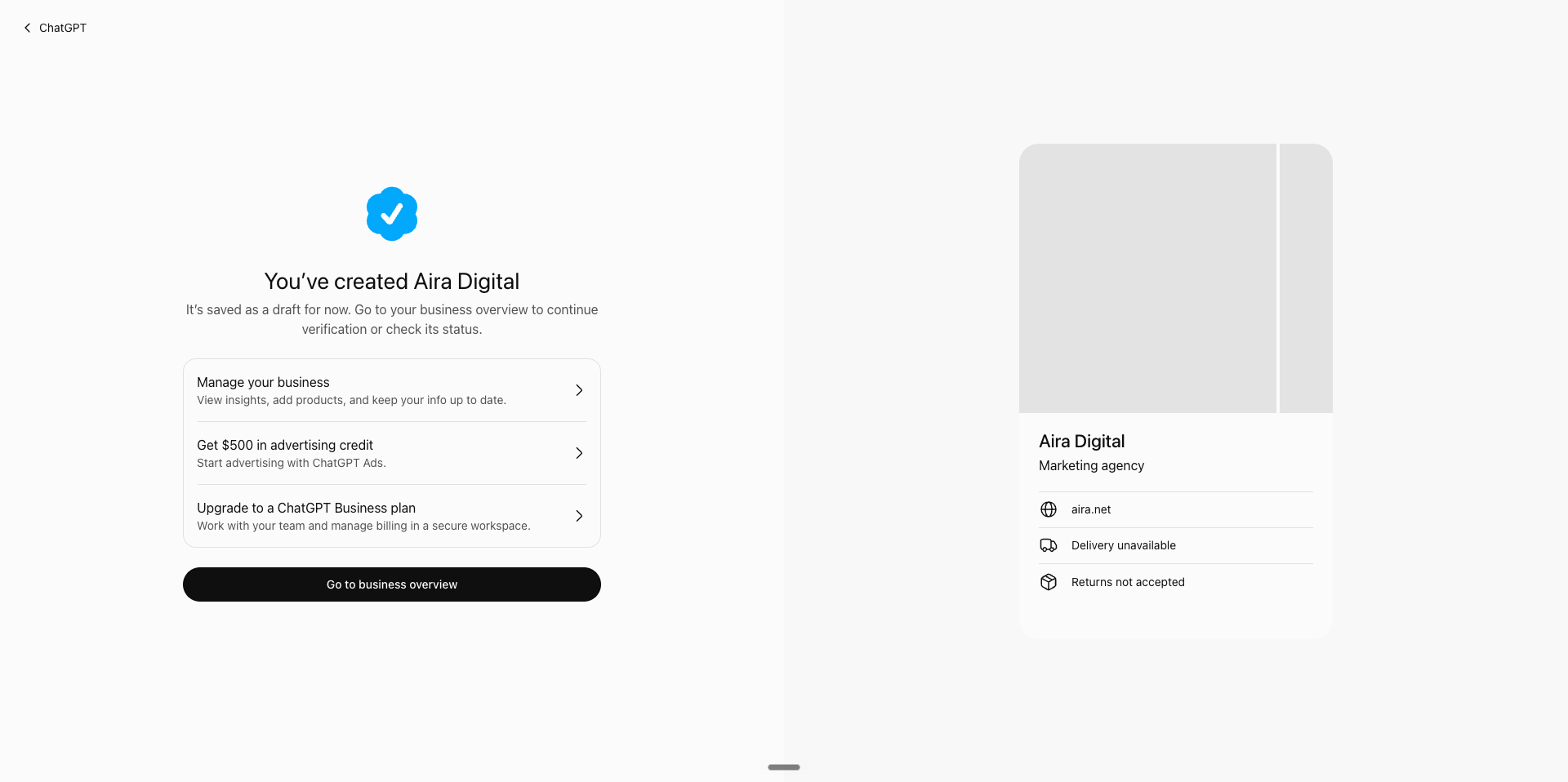
8. Your profile saves as a draft
You'll get a "You've created..." screen. It'll also try to sell you ChatGPT Ads (with $500 of credit to tempt you) and a ChatGPT Business plan. You don't need either to claim your profile. Click Go to business overview.
9. Verify your identity
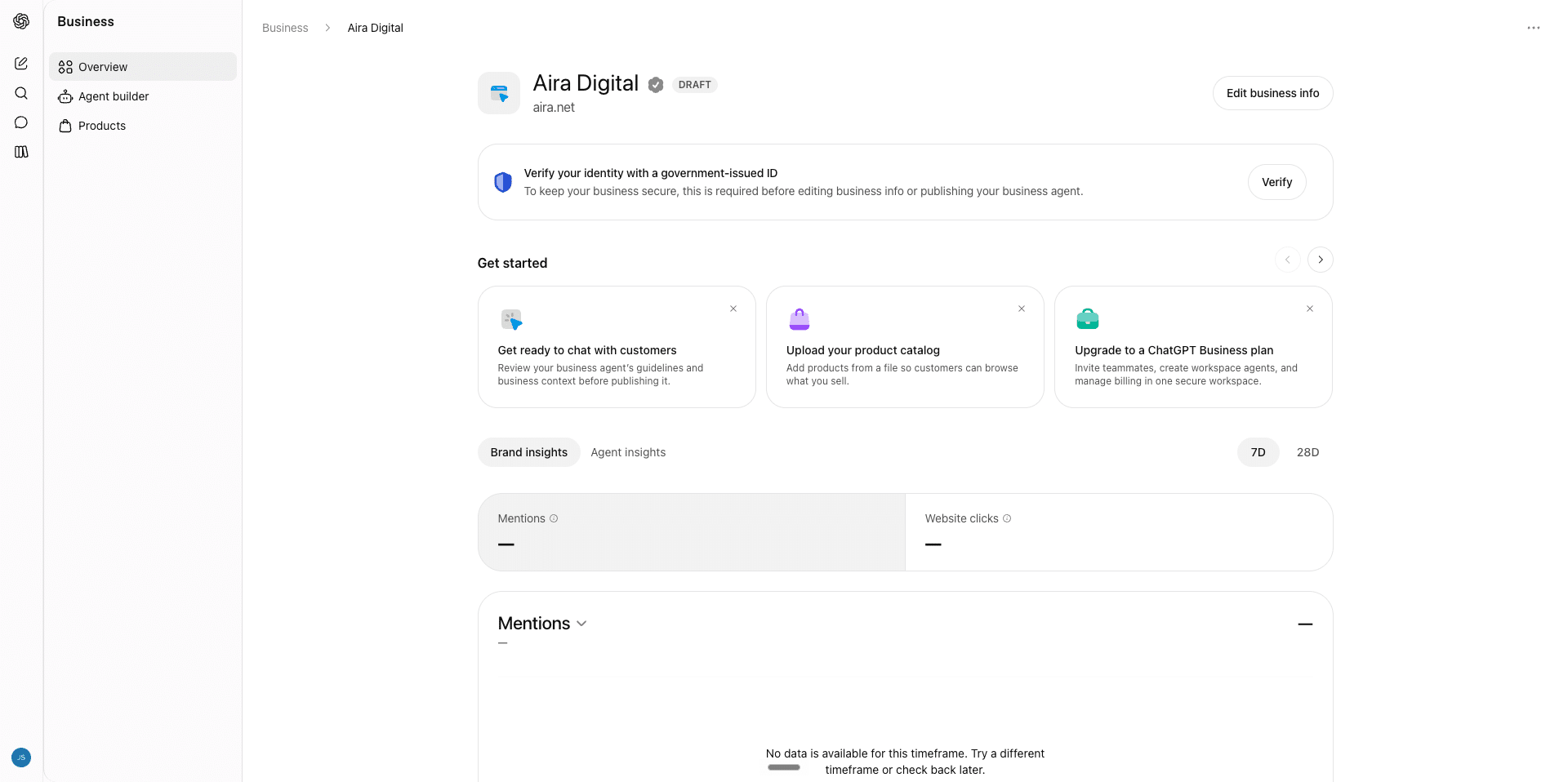
Your overview will show the profile as a draft, with a prompt to verify your identity with a government ID. Until you do this, you can't publish, see any data or set up an agent.
Click Verify and work through the steps. OpenAI uses a company called Persona for the checks, and it may also ask for business registration details or proof you're allowed to act for the business.
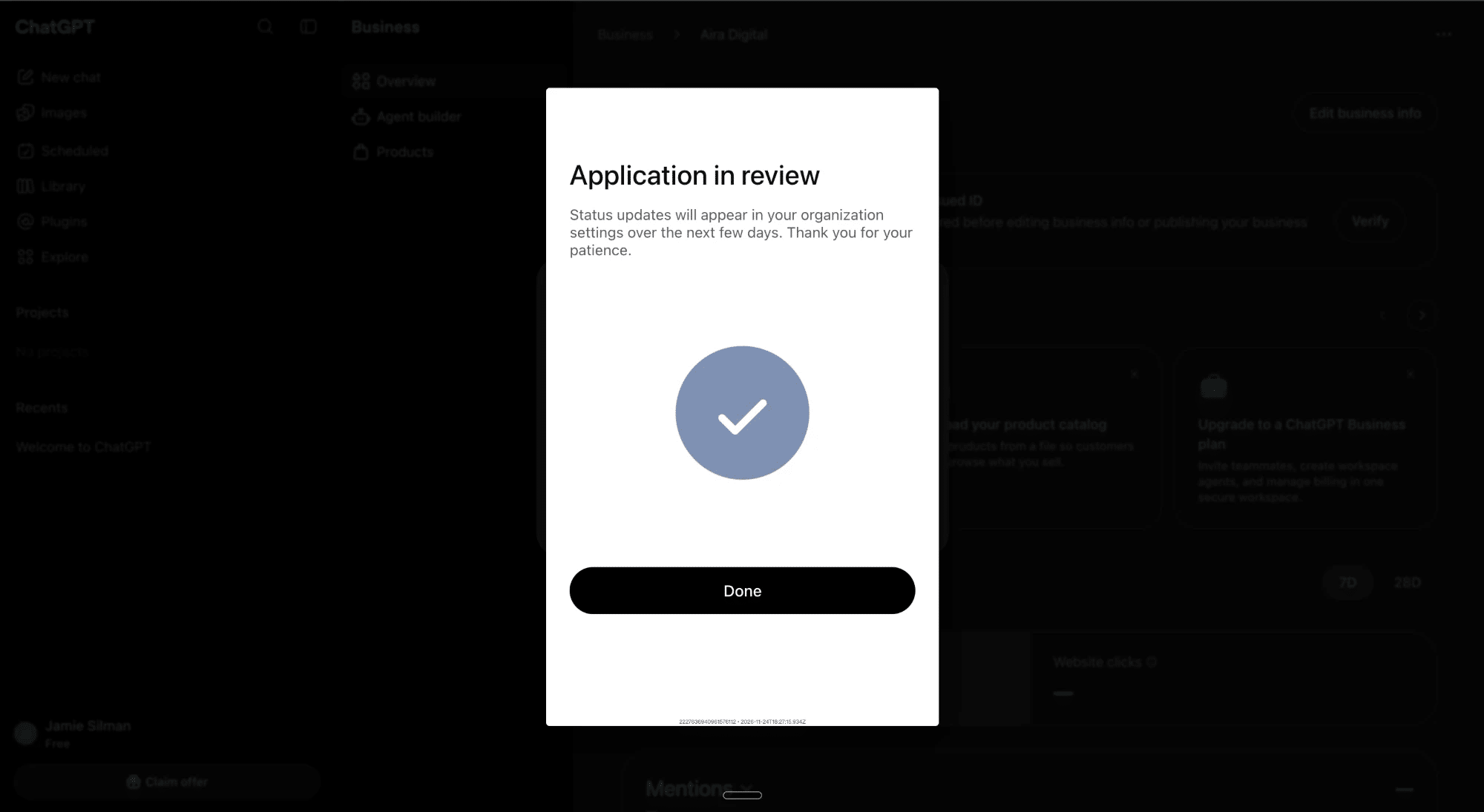
Once you've submitted, you'll see "Application in review". OpenAI says review time varies. Ours went through within a few hours.
What you get once you're in
Once you're approved, the draft label disappears, and you get a dashboard. There are a few bits to it:
- Agent builder for setting up a Business Agent
- Products for uploading a product feed
- Invite for adding teammates
- Brand insights which is the bit most people will care about
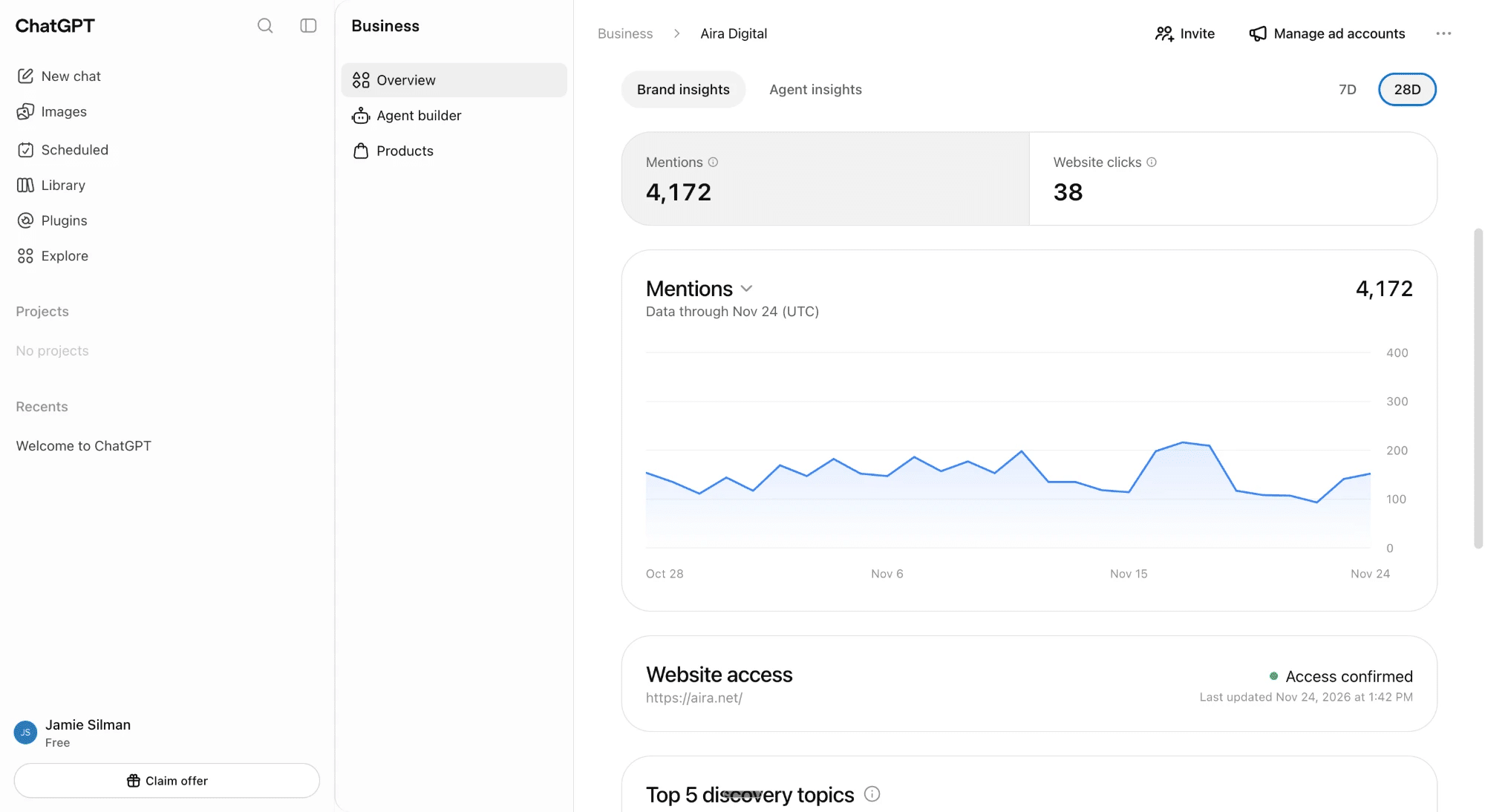
Brand insights gives you mentions and website clicks over 7 or 28 days, plus your "discovery topics".
Over 28 days, we had 4,172 mentions and 38 website clicks.
Before you read too much into those, it's worth knowing what counts. For an online business, OpenAI only counts a mention when ChatGPT references your website in an answer. Your brand name on its own doesn't count. So it's closer to "how often were we cited" than "how often were we talked about".
On Products, I couldn't see anything to say whether services count. OpenAI's guidance is written for businesses selling products, so for a service business I'd leave it alone for now.
About those clicks…
38 clicks from 4,172 mentions is less than 1%.
It's the same zero-click story we’ve seen happening for a while now, with AI Overviews, ChatGPT and other LLMs and SERP features. These tools give users answers without needing to click through to a website, which is why we’ve seen a downward trend in clicks across the board over the last 18-24 months.
And if you think about how people are actually using these platforms, it makes sense.
They're typically in the awareness or consideration stage of the buying journey, gathering information, working out who offers what they need, comparing a few options, and building a shortlist.
With a service, that shortlist probably gets discussed offline, and only later does someone come back and get in touch with the businesses they want to move forward with. Products aren't much different. People compare brands, check prices across retailers, and only click when they've made up their mind.
The other catch is that these clicks only count people who click through from the chat itself. If someone does all their research in ChatGPT and then types your URL in, clicks on an ad, or searches your name in Google, that visit will show up in your analytics platform as direct, paid or organic. ChatGPT played a part in their decision to buy, but it doesn’t get any of the credit.
That’s why this stuff is becoming harder to measure - a low click number on its own tells you very little about what ChatGPT is actually doing for your business.
The discovery topics
This is the bit I found most interesting.
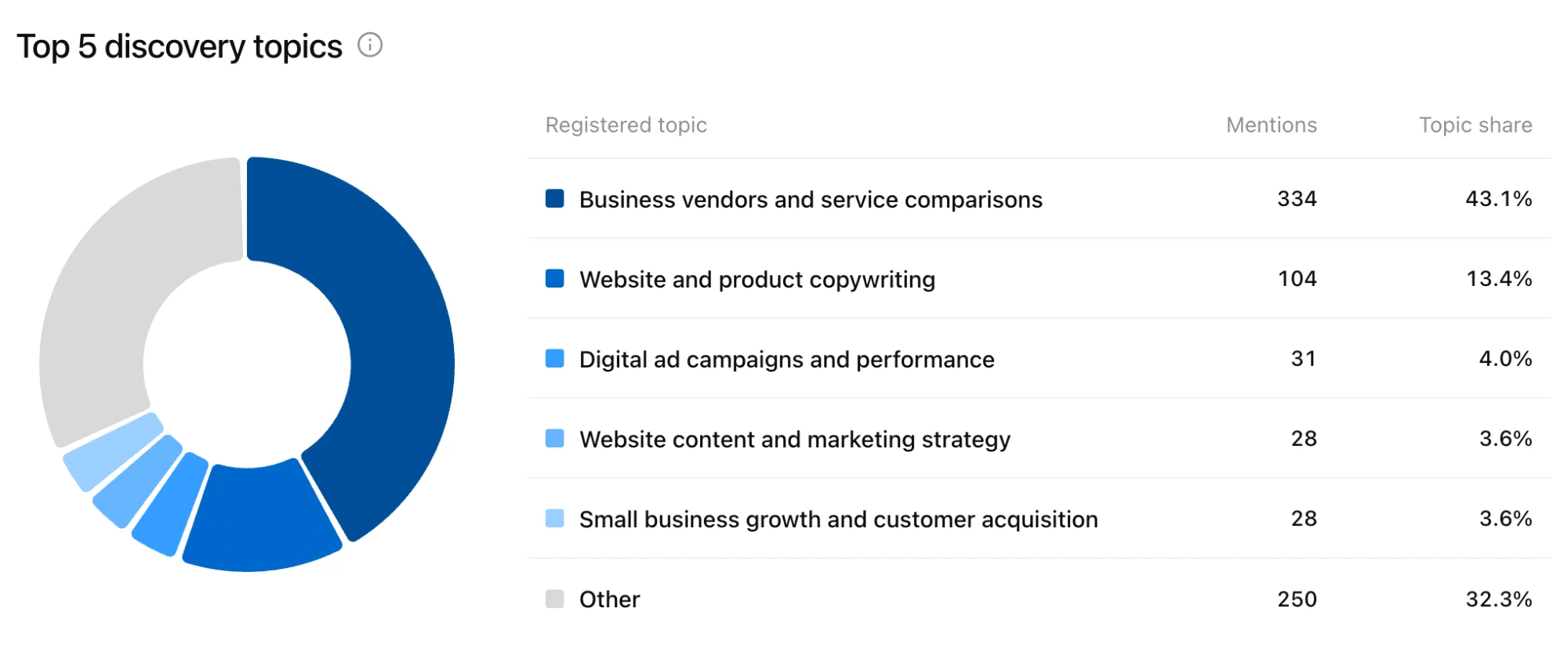
Our top five topics over 28 days were:
| Topic | Mentions | Share |
|---|---|---|
| Business vendors and service comparisons | 334 | 43.1% |
| Website and product copywriting | 104 | 13.4% |
| Digital ad campaigns and performance | 31 | 4.0% |
| Website content and marketing strategy | 28 | 3.6% |
| Small business growth and customer acquisition | 28 | 3.6% |
| Other | 250 | 32.3% |
First thing you'll notice is that that adds up to 775 mentions, not 4,172. So either the topics only cover a sample, or there are gaps in the data. Either way, treat these numbers as directional and nothing more (at least for now).
But directionally, it's useful.
We're in the middle of reviewing the blog content on the Aira site (cobbler’s children, and all that…!), and this lines up with what we're seeing. Our copywriting and content strategy posts are being cited and doing their job, but that's not really where we want to be visible.
Business vendors and service comparisons are the topic that actually turns researchers into new clients. It's already our biggest, but I'd want a lot more of it, because ultimately everyone wants to be bringing more potential buyers to the site, not more people reading about copywriting.
So that tells me where the gaps are and what we need to be writing next.
What it doesn't tell you
The problem is it stops there.
You don't get the prompts people used. You don't see where you appeared in the answer, who appeared alongside you, or which of your pages got cited. You get a count and a topic label, and that's about it.
You still need to understand what your customers are searching for, the questions they ask before they buy, and how they choose a supplier. That's what tells you what topics you should be covering. The dashboard can only tell you whether ChatGPT already connects you with some of them.
There are a couple of situations where it's genuinely useful, though:
- If your discovery topics are completely wrong, that's a sign ChatGPT has misread what you do from your site. Look at how your content describes your services and your positioning.
- If your mentions are really low, for a business your size, that suggests your site isn't being picked up as a source. Track it month to month and see if it moves when you change things.
Is it worth doing?
Yes, but mostly for what it might (hopefully) become.
OpenAI is pretty clear that claiming your profile won't make ChatGPT recommend you more. The data is thin, and the numbers don't fully add up. I'd hoped for something closer to Search Console, and this ain’t it.
But it takes less than an hour, it puts your business details under your control, and it makes sure ChatGPT knows who you are.
It's also only a few weeks old, and my hope is that OpenAI adds more features and useful data over time, like the prompts people are using, or a proper way to list services alongside products. If they do, you'll want the account already set up and the history already building.
So claim it, and check it once a month to make sure things are moving in the right direction, but keep doing the research that actually tells you what your customers want.